
The typical website owner views SEO as the last step to finishing up a project, like a coat of paint. In reality, SEO is the architectural blueprint. If the foundation is cracked, it doesn’t matter how beautiful the interior design is; the structure will never reach its full height.
Technical SEO is the process of ensuring a website meets the technical requirements of modern search engines with the goal of improved organic rankings. For a new website, getting this right before launch isn’t just a “best practice” — it is a competitive necessity and one of the most important SEO strategies for new websites.
Building the Right SEO Foundation Before Launch

A website’s relationship with search engines begins the moment a crawler hits the server. If that first interaction is marred by slow response times or broken code, you are starting with a deficit.
The first pillar of this foundation is reliable hosting. Shared hosting environments tend to be unstable due to the “noisy neighbors” of other sites on the same web server consuming resources. The foundation is a fast, dedicated or high quality cloud host. If it is not optimized, all other optimizations will be undermined by the slow response time of the server.
Equally important is your Content Management System (CMS) configuration. Many platforms, such as WordPress, are SEO-friendly when they are installed, but are spoiled by “plugin bloat.” Every plugin adds additional code to the browser to process. This is why many technical SEO experts suggest to use plugins that are solely used for essential functions and make websites as light as possible. A golden rule on a new site is to use as little as possible – but as much as is required.
Creating a Website Structure Search Engines Understand
Search engines are essentially sophisticated filing systems. If your website is a mess of disorganized folders, the “filer” (the crawler) will eventually stop trying to categorize your content.
URL Structures That Improve Visibility
A URL should be a breadcrumb for both the user and the bot.
- Bad URL: [example.com/p=123/index.php?id=99](https://example.com/p=123/index.php?id=99)
- Optimized URL: [example.com/technical-seo-guide](https://example.com/technical-seo-guide)
Descriptive, “slug-based” URLs offer context relevance. They let Google know the page has to do with before the crawler reads the HTML.
Organizing Pages With Smart Internal Linking
Internal links are the “highways” of your website. They distribute PageRank (authority) from your homepage to deeper educational content. You can do this by implementing ‘content clusters’ which is a central pillar page with multiple sub-topic pages.
Speed Optimization Techniques That Improve Rankings
Since 2021, page speed has not only been a user experience metric, but it’s also a proven ranking signal. Google uses a metric called Core Web Vitals to measure it.
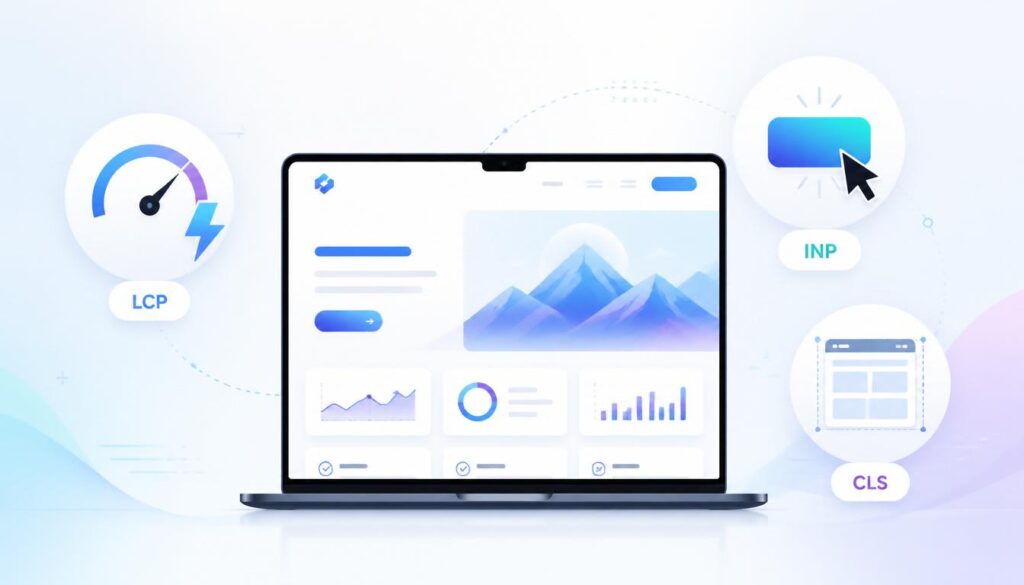
Understanding Core Web Vitals
Largest Contentful Paint (LCP)
LCP measures perceived load speed. It is the time in the page load process when content of the main page has most likely completed loading. A good LCP is 2.5 seconds or less.
Interaction to Next Paint (INP)
This is the latest metric that replaces FID. It’s a measure of how responsive your site is to user input, such as clicking on a button. If a user clicks on a “Sign Up” button and nothing happens for half a second, then your INP score is impacted.
Cumulative Layout Shift (CLS)
CLS measures visual stability. Everyone has had one of those pages where you go to click on a link and an ad appears at the last minute that pushes the link down and you click on the wrong thing. That’s a layout shift and Google hates websites that do it!
Practical Ways to Reduce Load Time
To ace these vitals, start with image optimization. The main reason for slow sites is that they are made up of huge, uncompressed JPEGs. Modern formats such as WebP can typically save 30% file space with no loss in quality. Furthermore, you will be able to use caching and Content Delivery Network (CDN) that will make your site data closer to the user geographically.
Mobile Experience Signals That Affect SEO
We’re in a mobile-first indexing world. That means, Google will look at your mobile version of the content for indexing and ranking. If your desktop site is great, but your mobile site is a tiny, illegible version, you will be affected accordingly.
Responsive design is the norm, but it’s more than that. You need to leave enough space between touch targets (buttons) so that they do not get accidentally “pressed” and font size should be large enough to be seen on a 5 inch screen without zooming.
Making Your Website Easier to Crawl and Index
You don’t exist if Google doesn’t find you. Technical SEO makes the door “Open” for the robots.
XML Sitemap Setup
XML sitemaps are a literal site map of the most important pages on your site. This will let Google know not to “guess” which pages are the most relevant.
Robots.txt Configuration
This file acts as a gatekeeper. It tells bots which parts of the site they shouldn’t visit (like your login pages or backend files). The common error is to put the disallow robots.txt directive on your home page, which will exclude your entire site from the search.
Fixing Crawl Errors
Crawl errors can prevent search engines from accessing your content, delaying indexing and reducing your site’s visibility in search results. Common issues include 404 (Not Found) errors, 5xx server errors, redirect chains, broken internal links, and URLs accidentally blocked by robots.txt. Identifying and fixing these issues helps search engines crawl and index your website more efficiently.
Fixing Duplicate Content With Canonical Tags
A page may have multiple URLs (e.g. a search filter). This confuses Google. If you have a canonical tag (rel=”canonical”) then you tell Google, “If I see this content somewhere else, this is the one I should rank.”
Security Signals Search Engines Trust
Security is one of the main elements of trust. HTTPS is no longer a choice, it’s a necessity. For sites that do not have an SSL certificate, users will see “Not Secure” displayed in their browsers, and this will prompt their immediate bounce. Other than the padlock icon, regular updates will safeguard your users from malware being injected into your site, which could result in Google pulling it from search results altogether.
Schema Markup and AI Search Visibility
As we move into the era of AI-driven search (SGE and Gemini), Schema Markup has become the secret weapon of technical SEO. Schema is a “vocabulary” of tags you add to your HTML to help search engines understand the intent of your content. Whether you’re a local business, a recipe blog, or a software reviewer, Schema helps your site appear in “Rich Snippets” (those fancy boxes with stars and prices) and makes your data more digestible for AI LLMs.
Technical SEO Tools Every Beginner Should Use
You don’t need a massive budget to get started.
- Google Search Console: The most important tool. It’s free and tells you exactly how Google sees your site.
- Google PageSpeed Insights: The Key component of measuring Core Web Vitals.
- Screaming Frog SEO Spider: A free (up to 500 URLs) tool that “crawls” your site just like Google does to find broken links and missing tags.
Common Mistakes That Hurt New Websites
One of the most common “SEO killers” is the lack of mobile usability for a flashy desktop website. Other pitfalls include uploading unoptimized images that act like lead weights on your load speed and forgetting to “noindex” staging sites, which leads to Google indexing your “Work in Progress” instead of your final product.
Long-Term Technical SEO Habits That Scale
Technical SEO isn’t a “set it and forget it” task. The more content you add the more links can become broken and speed can begin to drop. Make a routine of monthly audits. Look for new “Core Web Vitals” issues in your Search Console and maintain your server environment.
Conclusion
Technical SEO is all about making it easy. Your site will be fast, secure and logically organized, making it easy for the search engines to appreciate your content. These are the building blocks you need to work on before and even during the launch, so that when you actually get to “Publish,” your website will be launched to the top, not the bottom, of the rankings.
FAQs
- Does technical SEO involve coding?
Not always. Many modern tools and CMS settings allow you to manage technical SEO without writing a single line of code. - How long does it take to see results?
While content takes time to rank, fixing technical errors (like indexing issues) can result in visibility improvements within days. - Is speed more important than content?
Content continues to be king — but speed is the throne on which it sits. If your site doesn’t load quickly, visitors will bounce before they have a chance to read you.

This roadmap provides a vital look at the technical foundation needed for any successful launch.
Thank you for your feedback! Glad you found the technical SEO roadmap helpful and insightful for building a strong launch foundation.